12 Best Meal Planning Apps Families Swear By to Save Time, Money, and Stress
Family dinners, school lunches, and “what’s for dinner?” can feel like a full-time job. It’s no surprise that 92% of meal planning app users say they save time every week by using a dedicated tool to handle the decisions for them. The right app can plan your meals, build grocery lists, reduce food waste, and help you feed your family better with far less effort.
Key Takeaways
| Question | Quick Answer |
|---|---|
| What is the best meal planning app for busy families? | Look for apps that combine recipes, automated meal plans, and shared grocery lists. Pairing an app with family-friendly recipe hubs like Power Up Your Kids Recipes gives you endless kid-approved options. |
| Can meal planning apps help with kids’ lunches? | Yes. Many apps support batch planning and saved “templates,” which work well with lunchbox ideas from resources like Mealtime Magic. |
| Do meal planning apps really save money? | Most households using meal planning tools report weekly savings by avoiding impulse buys and takeout. You can stretch your budget even more by cooking at home with fun kid-friendly ideas from Power Your Lunchbox. |
| How do I find healthy recipes my kids will actually eat? | Use your app’s filters (e.g., high-protein, veggie-focused) and combine them with playful resources such as Superpower Foods Guides to keep things fun. |
| Is there a good app for organizing kid-friendly dinner ideas? | Any solid planner that lets you store external recipes and links works well, especially when paired with collections like PowerUp 4Kids Recipes. |
| Can a meal planning app help reduce food waste? | Yes. Apps that let you plan around what you have on hand and reuse ingredients across meals make a huge difference, especially when you rely on recipes that repurpose staples throughout the week. |
1. How to Choose the Best Meal Planning App for Your Family
Before downloading anything, be clear on what you want the app to handle for you: weekly dinners, all meals and snacks, or just grocery organizing. A great meal planning app should reduce decisions, not add more work.
For most families, the best apps share a few core features:
- Calendar-based planning for 3–7 days at a time
- Automatic grocery lists grouped by store section
- Recipe import from your favorite websites
- Family profiles (allergies, likes/dislikes)
- Sharing and syncing with partners or babysitters
Think of the app as the “brain” of your kitchen. Recipe hubs like Power Up Your Kids then become your trusted library: you plug them into the app so the system always has fun, tested ideas ready to drop into your weekly plan.
2. Samsung Food Plus – Smart Meal Planning for Tech-Loving Families
Best for: Families who like using tech to automate decisions and want deep pantry-based planning.
Samsung Food Plus blends recipe management, grocery planning, and AI into one platform. One of its standout tricks is Vision AI, which can recognize more than 40,000 ingredients from photos, helping you plan around what’s already in your kitchen instead of starting from zero.
Pricing is straightforward: $6.99 per month or $59.99 per year for the Plus plan. That includes personalized ideas and a tailored seven-day meal plan that updates with your preferences. For many households, this is cheaper than a single last-minute takeout order.
| Feature | Why It Matters |
|---|---|
| Vision AI (ingredient detection) | Helps you reduce food waste and plan from what you already own. |
| 7-day personalized meal plan | Saves you from weekly “What’s for dinner?” debates. |
| Smart grocery lists | Automatically builds and groups ingredients by recipe and store area. |
3. Ollie – AI Meal Planning That Cuts Mental Load
Best for: Parents who feel decision fatigue and want an app to “just handle it.”
Ollie is an AI-driven meal planning app designed to learn your family’s tastes, constraints, and budget. Instead of scrolling endlessly through recipes, you set your boundaries (time, budget, dietary needs), and Ollie generates plans and grocery lists that actually fit your week.
According to user surveys, 93% of Ollie users say the app reduces the mental energy required to plan meals and groceries. For families juggling school runs, activities, and work, that mental space is often more valuable than any other feature.
- Personalized weekly plans based on preferences and time
- Automatic shopping lists with pantry tracking
- Ability to swap meals easily without breaking the week’s structure


Did You Know?
86% of Ollie families say the app helps them eat healthier, not just save time.
Source: Ollie User Survey
4. Best Apps for Planning Kid-Friendly Dinners (With Real Recipes)
Best for: Families who want to rotate through a set of reliable, kid-approved dinners without repeating the same three meals.
Any strong meal planning app becomes more powerful when you feed it the right recipes. Sites like Power Up Your Kids specialize in quick, familiar meals that feel fun but are built with better ingredients—perfect to plug into your weekly schedule.
Butternut Squash Mac and Cheese – Comfort Food in Your Rotation
A go-to example is the Butternut Squash Mac and Cheese, a cozy upgrade to boxed mac. It sneaks in vegetables while still feeling like pure comfort, making it ideal for Meatless Monday or an easy side.

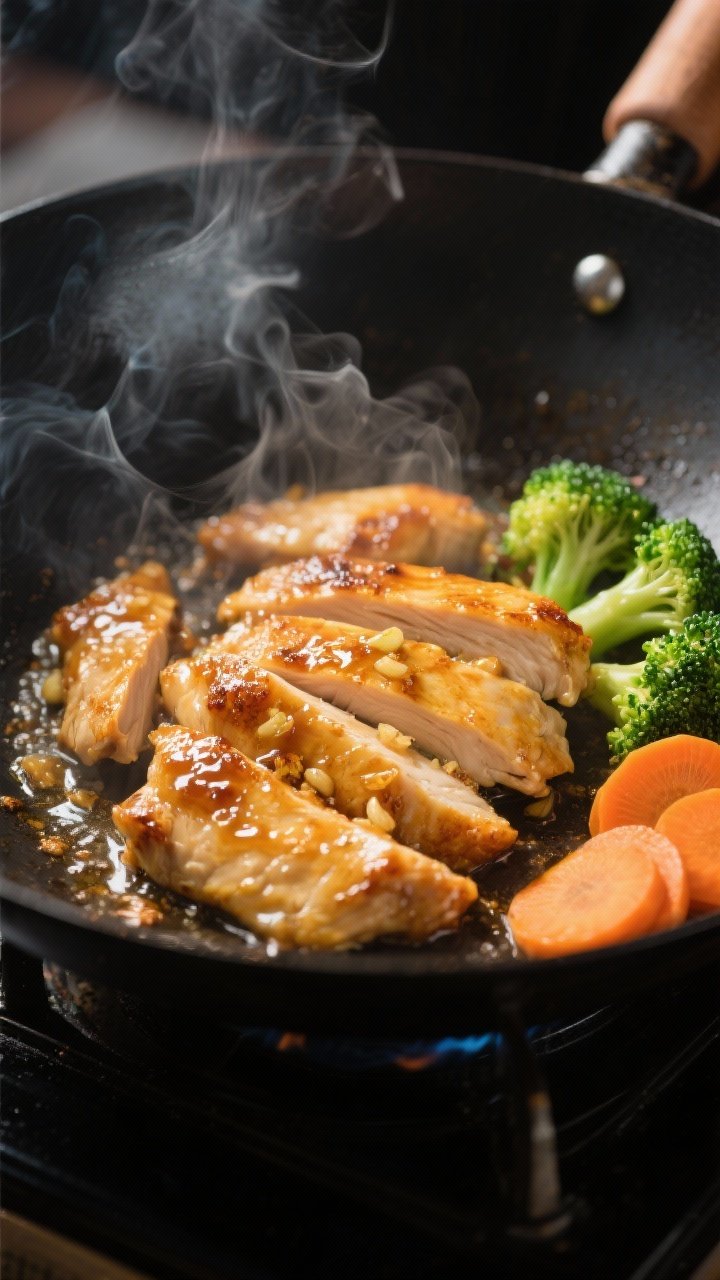
Honey Garlic Chicken Stir-Fry – 20-Minute Weeknight Saver
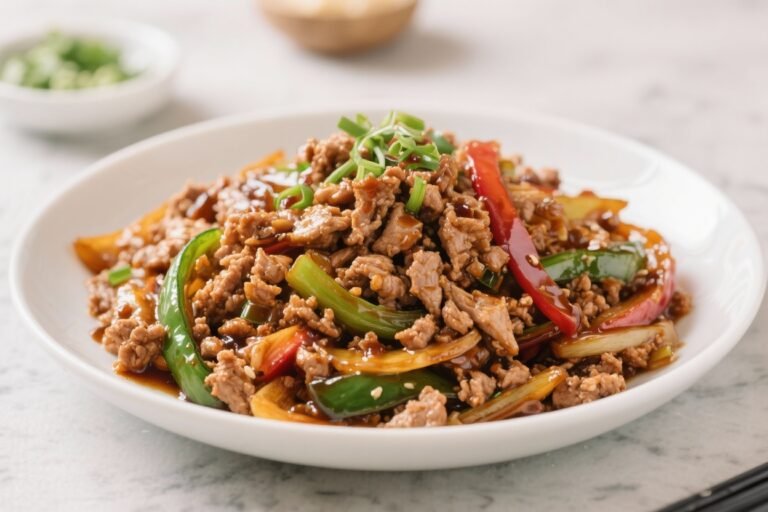
Dishes like Quick Honey Garlic Chicken Stir-Fry fit perfectly into a weeknight slot on your app’s calendar. You can tag them as “20 minutes or less,” so they only appear on busy nights when you need something fast but colorful and filling.

5. Best Meal Planning Apps for School Lunches & Snacks
Best for: Parents who want to stop improvising lunches at 7 a.m. and instead rely on a repeatable, low-effort system.
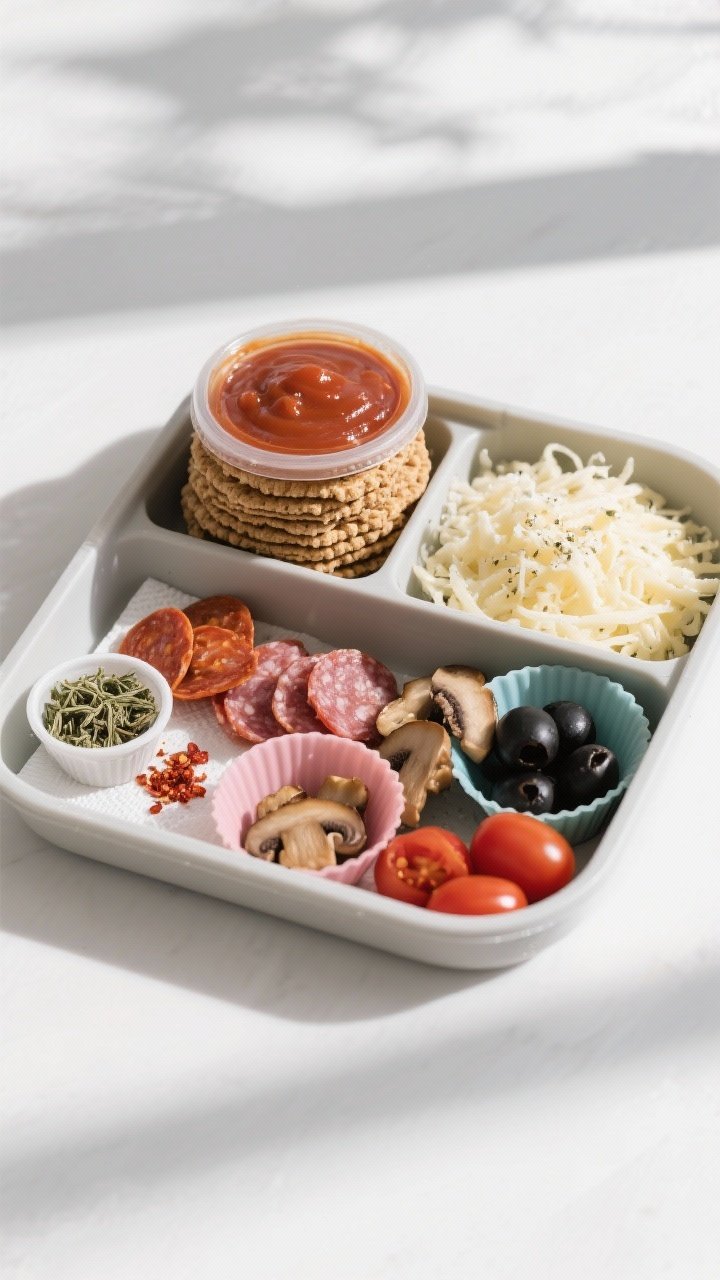
Look for apps that let you save “meal templates” or recurring ideas (like “DIY pizza lunchable box” or “snack bento”). Once you’ve created a few combinations your kids like, you can drag and drop them onto the weekly calendar in seconds.
DIY Pizza Lunchables – Build-Your-Own Lunch Kits
Recipes such as DIY Pizza Lunchables from Power Up Your Kids are perfect for lunch planning apps. You prep a batch of whole-wheat crackers, sauce, shredded cheese, and toppings on Sunday, then assign these lunch boxes to multiple days in your app.
No-Bake Granola Bars – Snack Prep in 10 Minutes
Homemade No-Bake Granola Bars are another ideal candidate for batch entries in your app. Schedule one prep session at the start of the week and assign the bars as a recurring snack in your plan.
6. Best Apps for Families Who Love Pizza Night
Best for: Households that rely on pizza as a weekly ritual and want to keep it fun, healthier, and budget-friendly.
Many meal planning apps let you tag a recurring “theme night” such as Pizza Friday. From there, you can rotate through several recipes so no one gets bored, while still leaning on a format everyone loves.
Veggie Pizza & Muffin-Tin Pizza Bites
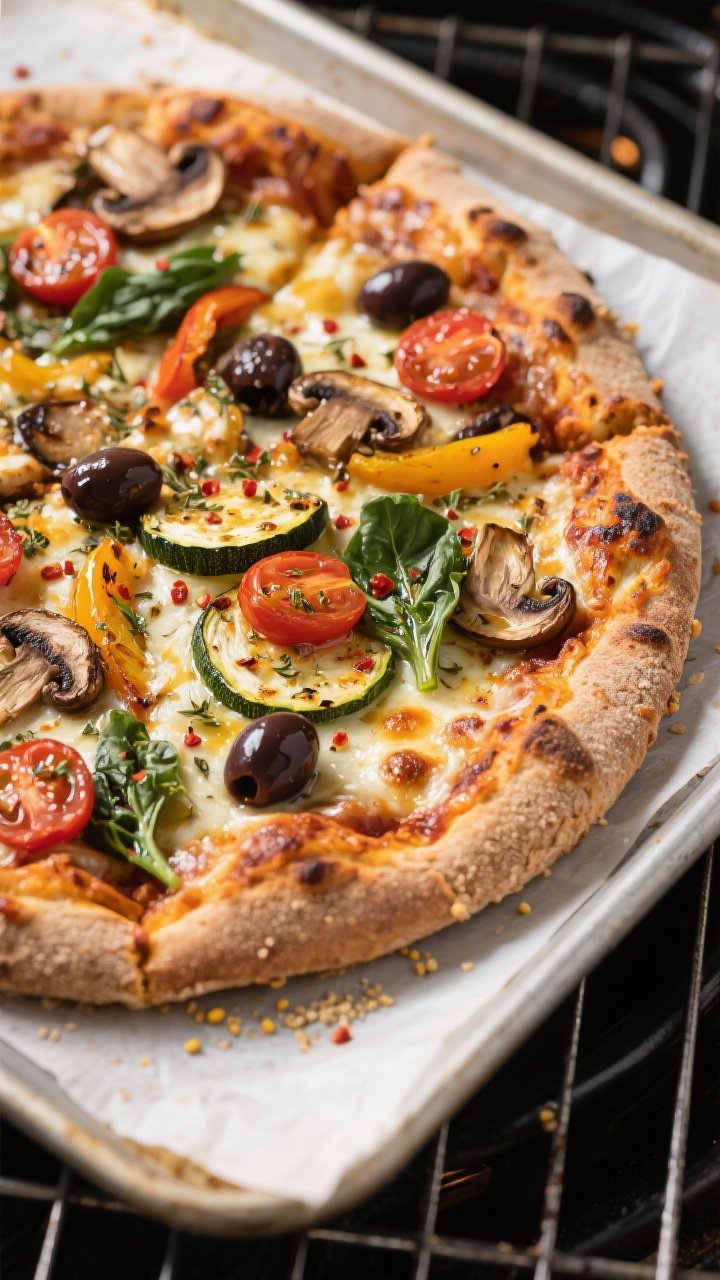
A Best Veggie Pizza with Whole Wheat Crust gives you a big family-style option packed with color, while Pizza Muffins & Roll Bites fit nights when the kids want something dippable and snacky.

10-Minute Flatbread Pizza & Freezer Pizza Pockets
A planning app also shines when you add ultra-fast backup options. 10-Minute Flatbread Pizza is perfect for nights when the schedule explodes, and Freezer-Friendly Pizza Pockets can be prepped in bulk, then scheduled into lunch or dinner slots as needed.

Did You Know?
75% of Ollie households report saving money each week after using the app for meal planning and grocery lists.
Source: Ollie User Survey
7. Best Meal Planning Apps for High-Protein & Budget-Friendly Meals
Best for: Families focused on protein, sports, or growth spurts—without blowing the grocery budget.
When evaluating apps, check how easy it is to filter by macros (especially protein) and cost per recipe. Then, stock your app with budget-friendly, high-protein dishes that reheat well.
Chicken Broccoli Patties & Crispy Chicken Strips
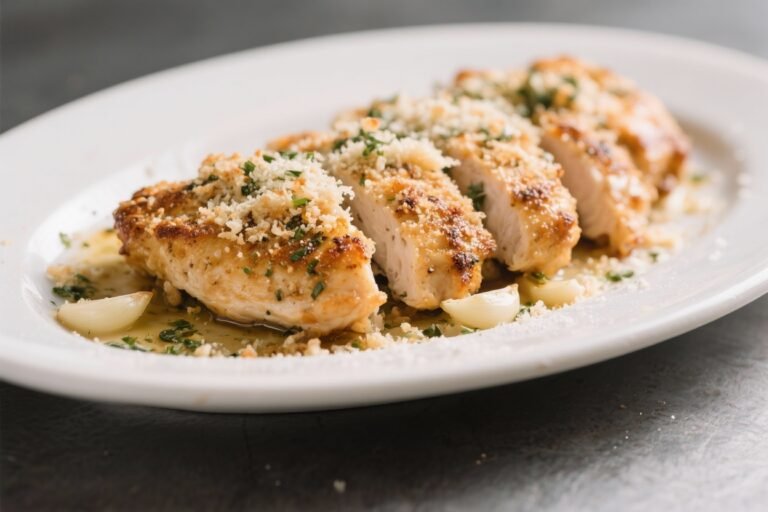
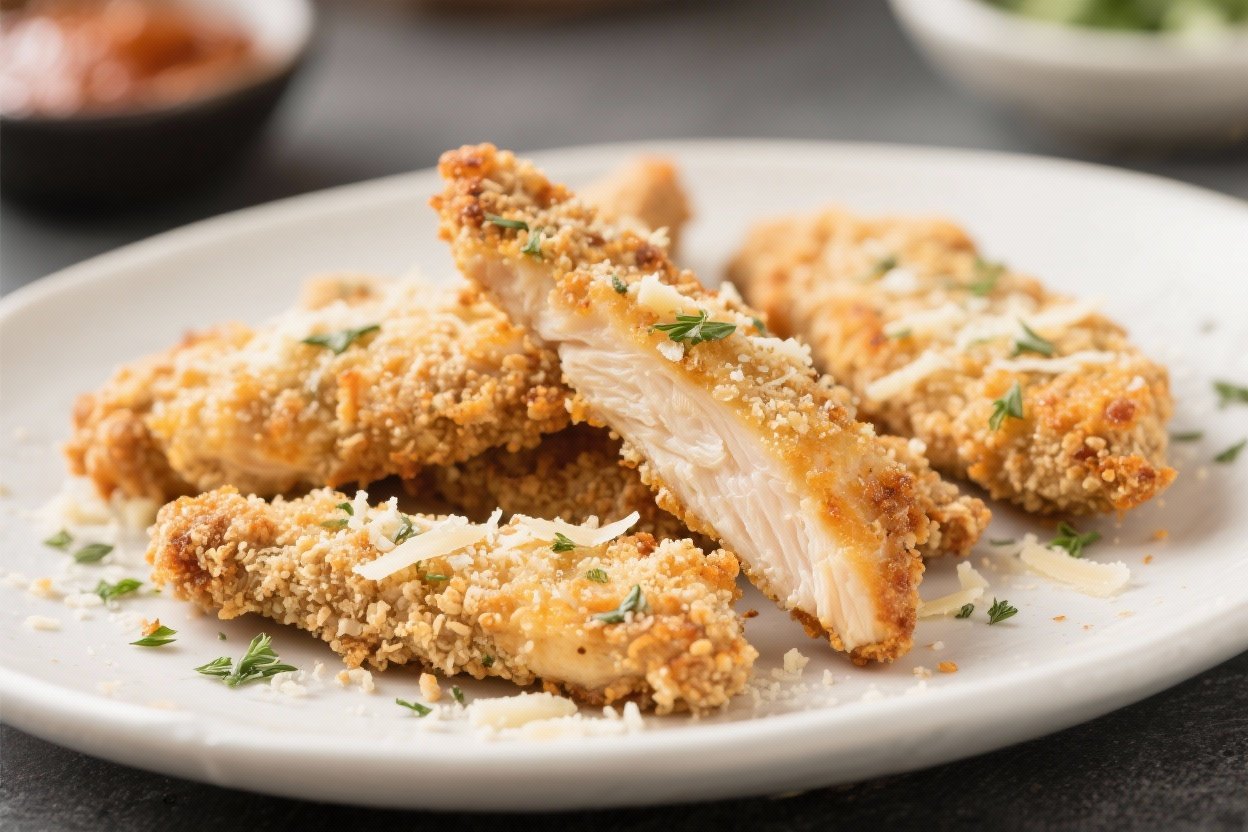
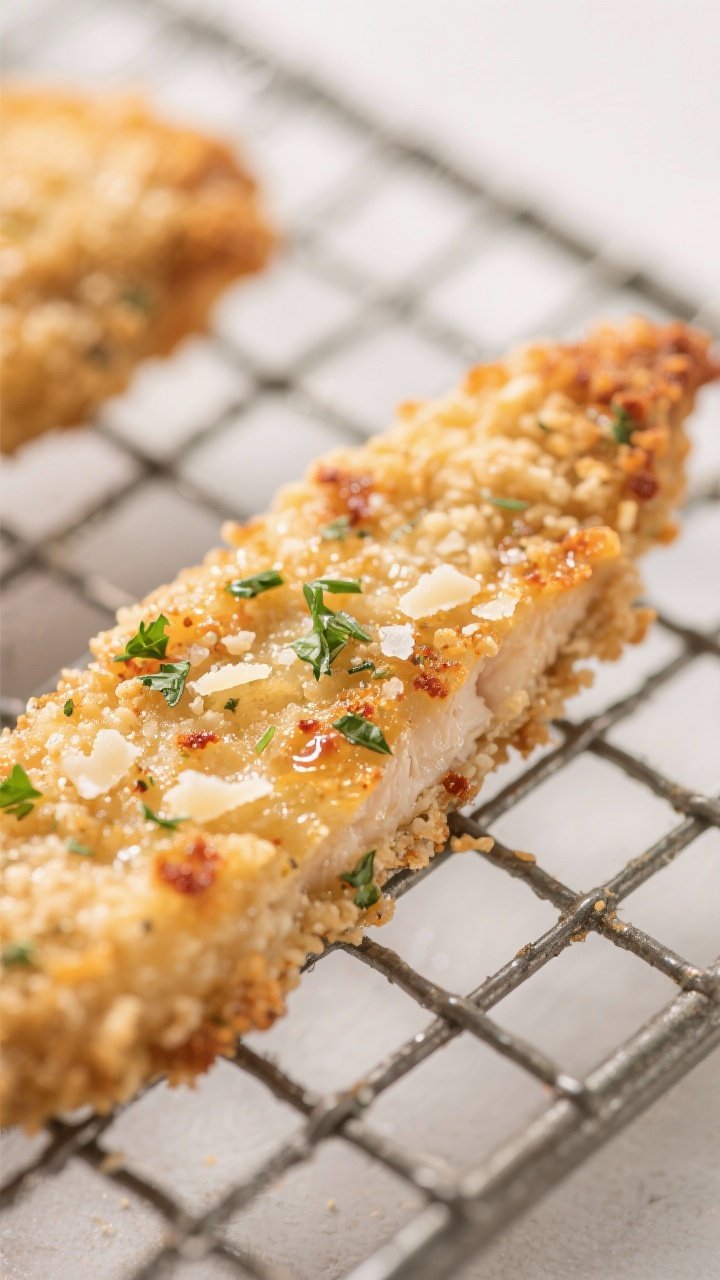
Chicken-Broccoli Patties are a great example of a recipe that fits multiple roles: you can assign them to dinners, then reuse leftovers for lunch salads or wraps later in the week. Parmesan Herb Chicken Strips do the same, doubling as both a main dish and a snack.
Batch-Cooking with Your App
Choose an app that lets you duplicate recipes across days. That way, if you cook a double batch of patties or strips on Sunday, you can quickly schedule them into lunches and second dinners later in the week, and the grocery list will reflect the larger batch size automatically.
8. Integrating Kid-Focused Recipe Libraries with Your Meal Planning App
Best for: Parents who want a one-stop planning hub but still rely on trusted child-focused recipe sites.
Most leading meal planning apps allow you to import recipes by pasting a URL. This is where large family recipe collections become extremely valuable. For example, the PowerUp recipe sections for main dishes and snacks give you dozens of balanced, kid-tested options you can pull into your app in minutes.
Use your app for structure (calendar + lists) and use specialized family recipe sites for inspiration and kid-tested flavor.
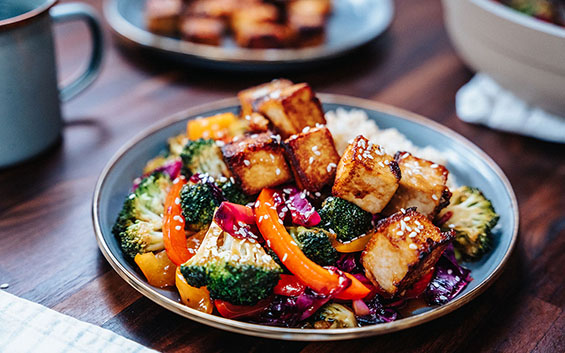
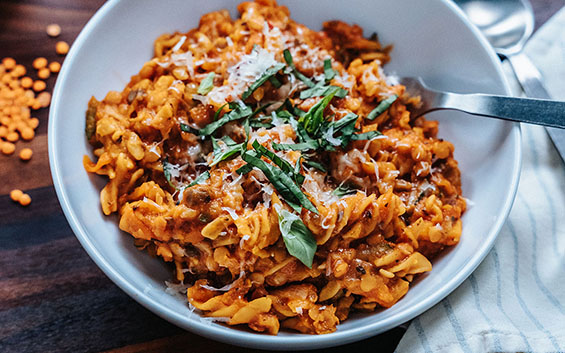
When you find a recipe that’s a hit, save it in your app’s favorites and tag it (e.g., “5-ingredient,” “kids eat without complaints,” “good reheated”). Over a few weeks, your app becomes a personalized cookbook that reflects what actually works in your home, not just what looks good online.


9. Using Meal Planning Apps to Support Healthier Habits for Kids
Best for: Parents focusing on nutrition, variety, and teaching kids about food in a positive, low-pressure way.
A good meal planning app helps you see the big picture: how often vegetables show up, if protein is consistent across days, and whether breakfast is more than just cereal. Combined with kid-friendly nutrition guides, you can build plans that feel fun and still check all the boxes.
For example, you might map a “color goal” across the week—green on Monday, red/orange on Tuesday, and so on—then fill those slots with recipes from your saved library that match the theme.
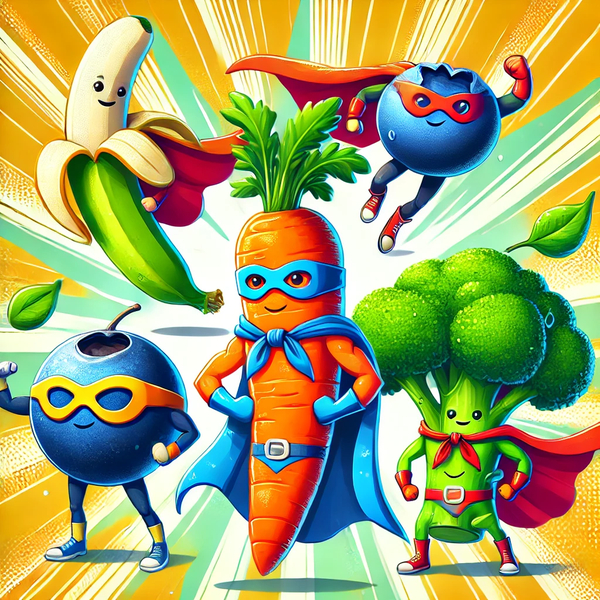

Remember that most kids respond better to small, consistent changes than to sudden overhauls. Your app can quietly nudge the family toward better choices by scheduling one “new food” night per week, or by making sure each day includes at least one fruit and one vegetable everyone generally accepts.


10. Turning Meal Planning Apps into a Family System (Not Just Your Job)
Best for: Caregivers who are tired of being the only one who knows what’s for dinner.
The most underrated feature of meal planning apps is collaboration. Many allow shared logins or invite links so partners, older kids, or caregivers can see what’s planned and what needs prepping, without asking you every time.
- Share the calendar so everyone knows what’s on the menu.
- Delegate shopping by assigning grocery list sections to different people.
- Let kids pick meals by giving them a “choice night” from a pre-approved list.

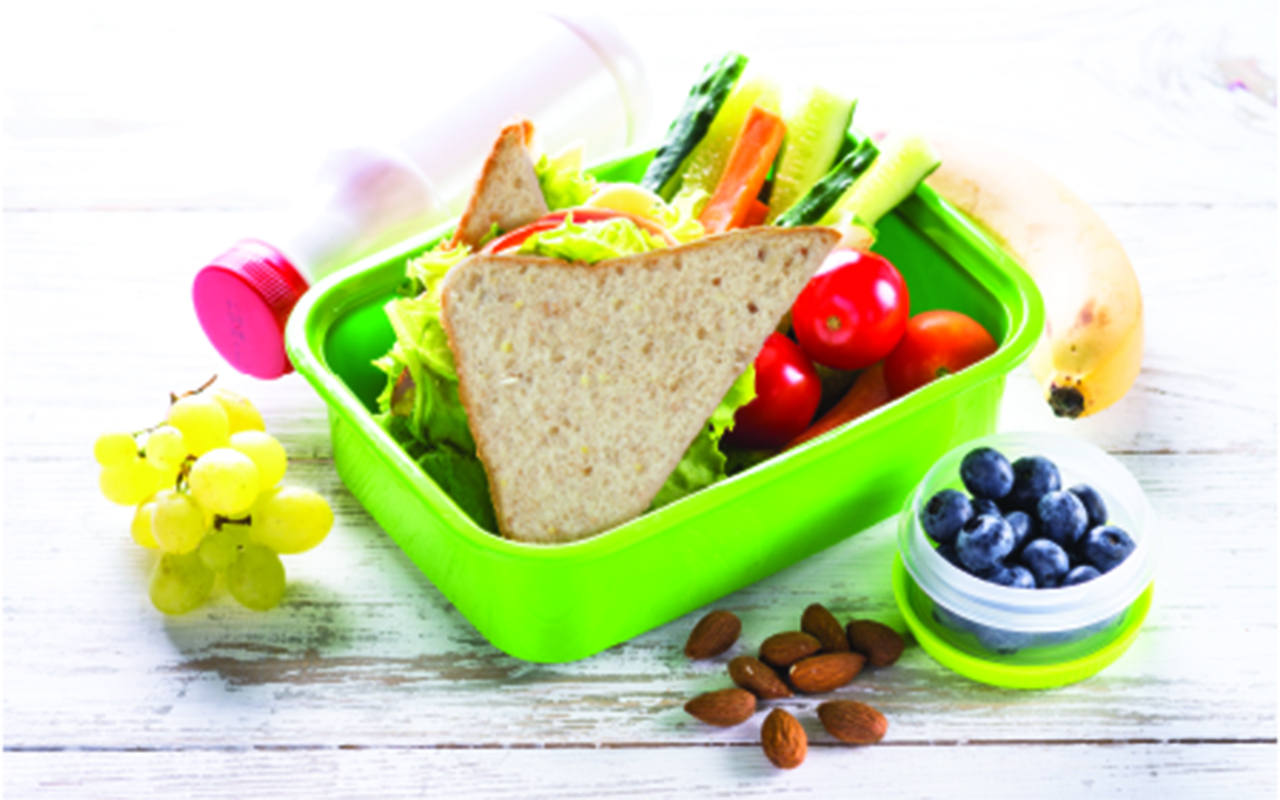
Over time, this turns the app into a shared household tool rather than another task you have to manage alone. You still get the benefits—less stress, fewer decisions, more consistent meals—but with more hands helping keep things running.

11. Future-Proofing Your Kitchen: Why Meal Planning Apps Are Here to Stay
Meal planning apps are not a passing trend. The global market for these tools was valued at USD 2.23 billion in 2024 and is projected to grow steadily in the coming years as more families look for ways to simplify daily life. This growth means apps will keep improving with better AI, more integrations, and smarter features.
For everyday users, that’s good news: you can expect better recipe imports, tighter links with grocery delivery services, and more nutrition-aware suggestions over time. The key is to pick a platform that already fits your family’s style and can grow with you.

As you get comfortable with your chosen app, you’ll likely find new ways to use it—like planning freezer meals before a new baby arrives, coordinating shared meals with extended family, or organizing themed dinner nights. The core benefits remain the same: less stress, more structure, and a kitchen that works for your real life.


Conclusion
The best meal planning apps are the ones that reliably make your weeks easier. Whether you choose a smart system like Samsung Food Plus or an AI planner like Ollie, the goal is the same: fewer last-minute scrambles, more predictable grocery spending, and meals your family actually enjoys.
Pair your chosen app with trusted, kid-focused recipe libraries and treat it as a shared tool, not just another task for one person. With a bit of setup and a handful of go-to recipes, you can turn “What’s for dinner?” from a daily stress point into a question that’s already answered.